
Know where your time goes.

Measures how long you spend on every website — then helps you stop. Daily limits, focus mode and a weekly report. All local.

  • No account
  • No servers
  • Chrome & Firefox
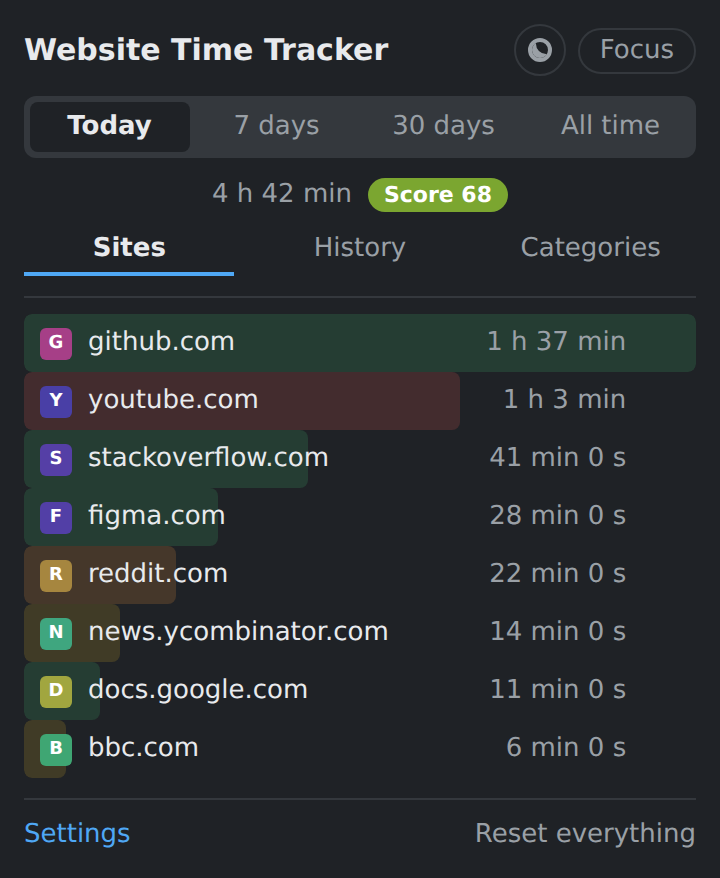
The extension popup showing time per website
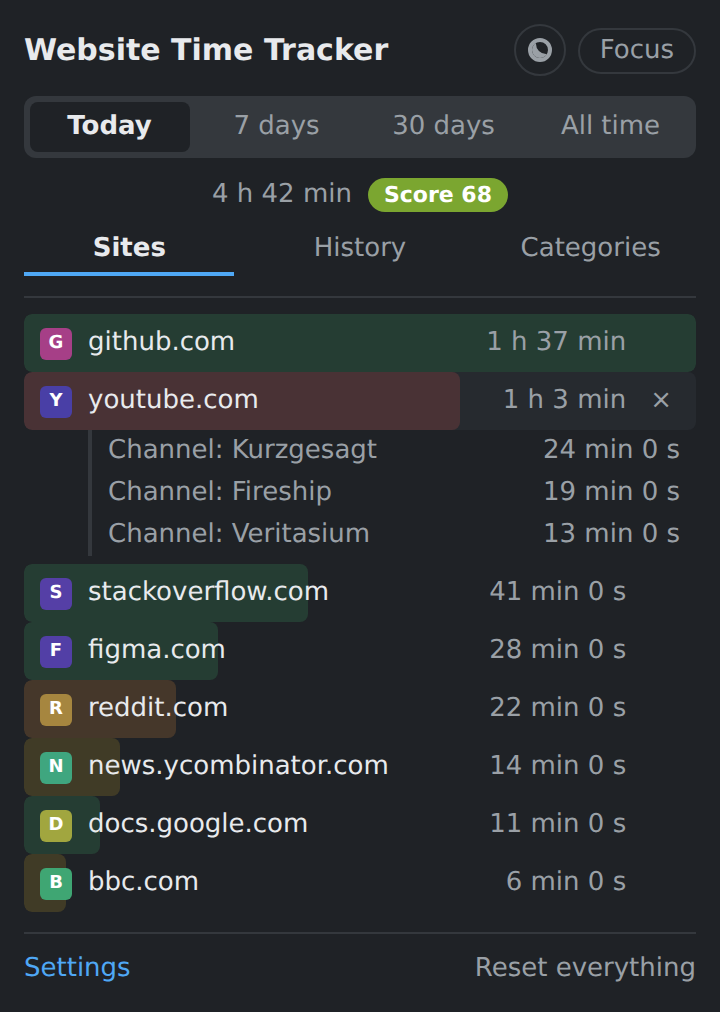
Popup with a site expanded into channels and repos
Channels & repos, not just domains
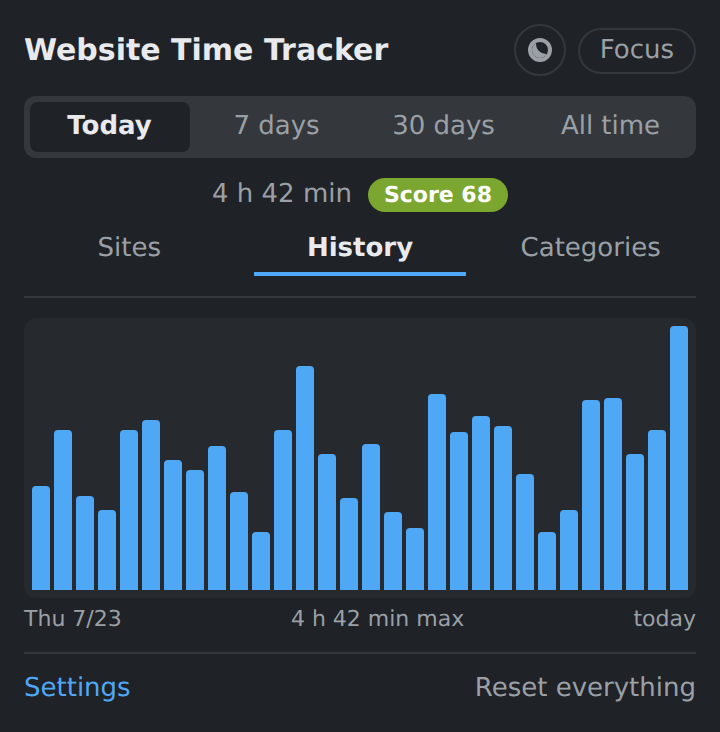
Popup showing a 30 day history chart
30-day history
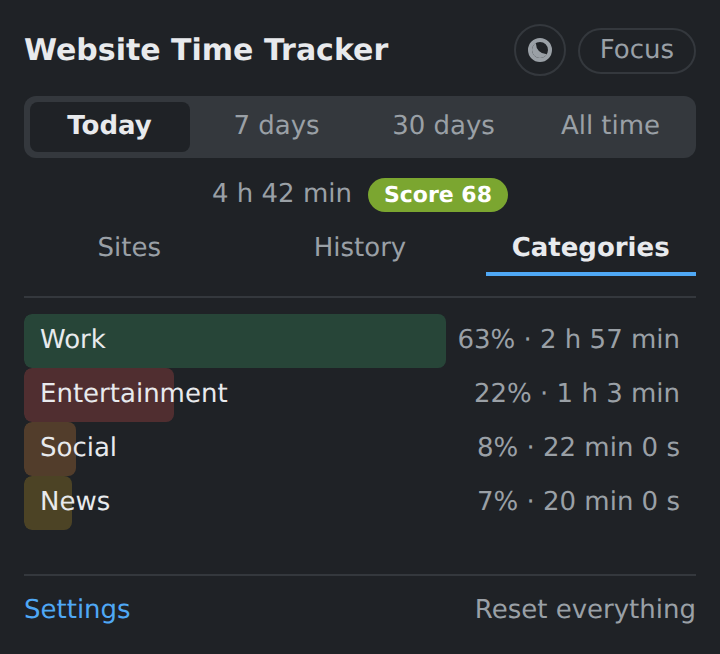
Popup showing time split by category
Categories & score
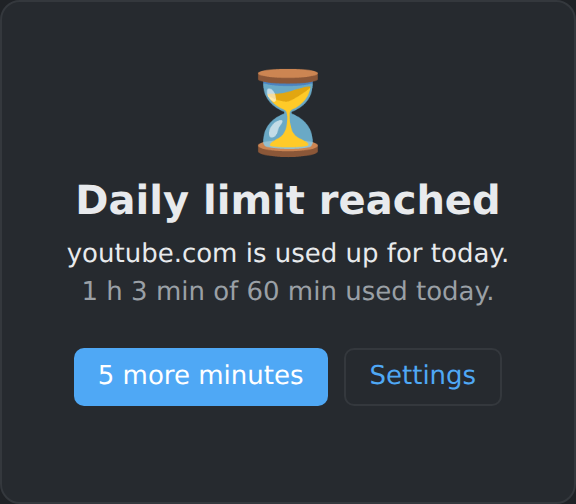
The block screen shown when a daily limit is reached
Block screen when a limit is hit

Features

Accurate measurement

  • Counts only with an active tab, a focused window and a non-idle user
  • Optional: count only on real input — mouse, keyboard, scroll
  • Tabs playing audio still count, so videos aren't read as a pause
  • The idle threshold is subtracted retroactively
  • Sessions crossing midnight are split across both days
  • Sleep and standby never turn into fake hours
Beyond domains

  • YouTube — time per channel
  • GitHub and GitLab — time per repository
  • Reddit — time per subreddit
  • Twitch and X — time per channel or profile
  • Any domain — first path segment, if you enable it

Insight

  • Today, 7 days, 30 days, all time
  • Sorted ranking with favicons and category colours
  • 30-day history chart
  • Seven categories, ~100 domains pre-assigned
  • Productivity score from 0 to 100
  • Weekly report with a comparison to last week

Control

  • Daily limit per site, in minutes
  • Warning notification at a threshold you pick
  • Optional blocking with its own block screen
  • Focus mode with an expiry time
  • 5-minute snooze when you really need it
  • Ignore list for sites that shouldn't be tracked

Your data

  • CSV export, one row per day and domain
  • Full JSON backup, including settings
  • Import to merge or replace
  • Delete a single site or everything
  • Optional device sync through your browser profile

Built to last

  • Manifest V3, Chrome and Firefox
  • No frameworks and no runtime dependencies
  • 365 days of history, pruned automatically
  • 65 tests, run with npm test
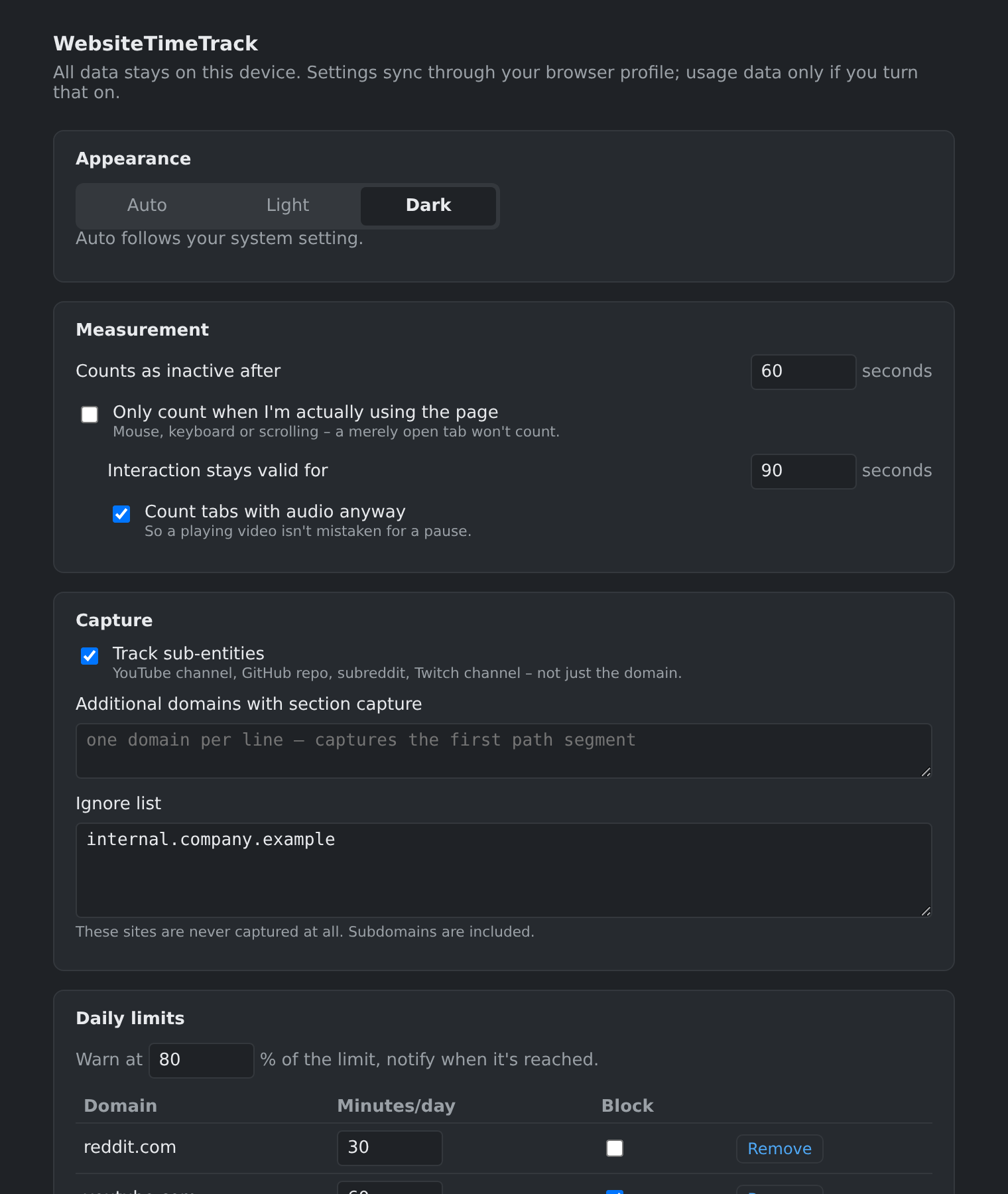
The settings page with limits, focus mode and categories
Everything is configurable on the settings page

Privacy

Nothing is tracked. Nothing leaves your machine.

What the extension does

  • Stores times in your browser's local storage
  • Reads the domain of the tab you are looking at
  • Runs entirely offline — it makes no network requests at all

What it never does

  • No account, no login, no server
  • No analytics, no telemetry, no ads
  • No page content, no form data, no passwords
  • No external scripts or fonts

Why each permission is needed

tabsRead the domain of the active tab
storageSave your times and settings locally
idleStop counting when you step away
alarmsWrite pending time down once a minute
notificationsLimit warnings and the weekly report
faviconShow site icons from the browser's own cache
content scriptDetect real input and read the YouTube channel name

Device sync is off by default. Turned on, it uses your browser's own sync storage — the same channel as your bookmarks, not a server of ours.